What should a lawn crew do when a property has changed since last visit?
How to handle new obstacles, damage, or scope changes on site without blowing the schedule.
Stop and assess before mowing. New landscaping, a trampoline, fresh plantings, or damage can change the scope or create hazards. Photograph and note the change, adjust the work safely, and flag anything that alters the price. Report it so the account record and the next visit both reflect the new reality.
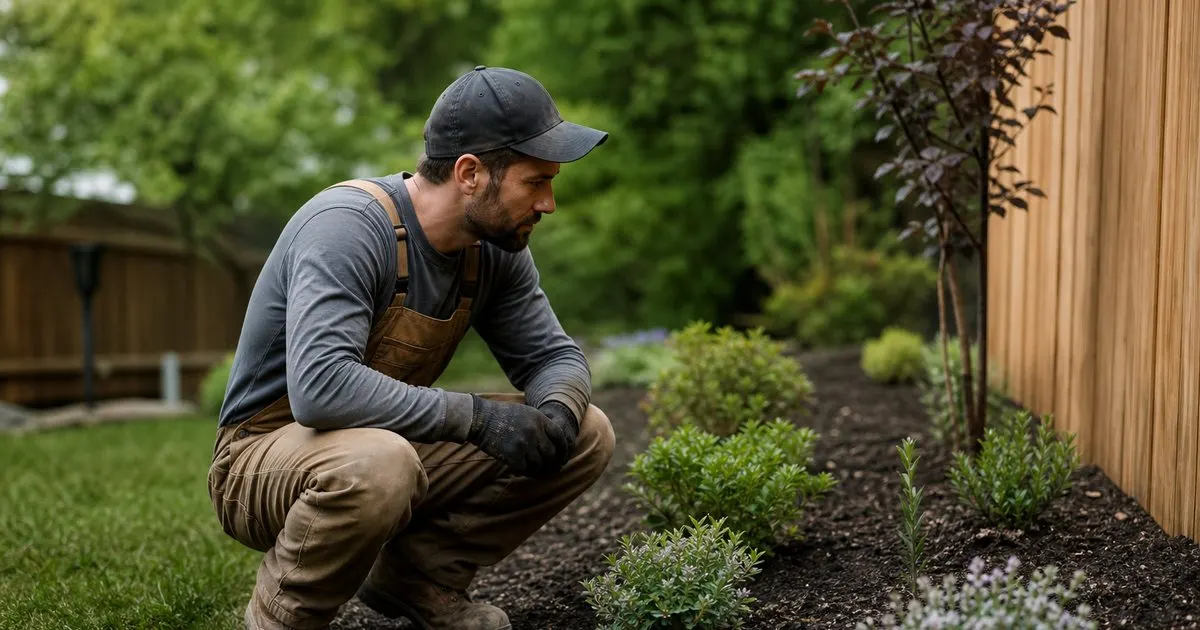
Notice and pause before mowing
Lawns change between visits. A new flower bed, a trampoline, fresh sod, a pet, or storm damage can all appear since last week. The first job is to actually notice before mowing, because a crew running on autopilot can mow over a new bed or damage fresh landscaping in seconds. Related: What is the best way to route a lawn crew across many properties?
A quick scan at arrival catches most of it. Training crews to look for what is different, rather than just starting the mower, prevents the expensive mistakes that turn a routine stop into a callback or a repair.
Keep reading: How often should you mow a residential lawn during peak growing season?, What is the best way to route a lawn crew across many properties?, Why does mowing height matter so much for a healthy summer lawn?. See how LawnCadence helps you recurring lawn care scheduling and crew routing.
Adjust the work to the change
Some changes just require adapting: mow around the new bed, trim the new border, avoid the freshly seeded patch. These are within the normal scope and the crew should handle them on the spot, updating how they service the lawn to match its new layout. Related: When should you reschedule lawn service because of rain and wet grass?
Fresh sod or seed deserves special care. Mowing new sod too soon or too short can kill it, so the crew should recognize it and either skip that area or adjust the cut rather than treating it like established turf. Related: How often should you mow a residential lawn during peak growing season?
Flag scope changes for a conversation
Other changes alter the job's scope or price. A large new planting area, a removed section of lawn, or added maintenance the customer expects should be flagged rather than silently absorbed or ignored. The crew notes it, and the office follows up with the customer about scope and price.
Handling this transparently protects the relationship. A customer who added a big garden and expects it maintained needs to know whether that is included, and a quick conversation beats an awkward surprise on the invoice or a job done wrong.
Record the change so it sticks
A change is only handled well if it is recorded, so the next visit does not repeat the confusion. Whoever mows next needs to know about the new bed, the fresh sod, or the added scope, and that only happens if the change lands in the property's notes rather than one crew member's memory.
LawnCadence keeps per-property notes that travel with the lawn, so when something changes on site the crew updates the note and every future visit reflects the property as it is now, not as it was months ago. Related: How do you keep per property notes useful for every lawn crew member?
- Scan for what is different before starting the mower.
- Adapt the cut around new beds, sod, and obstacles.
- Flag real scope changes for the office and customer.
- Record the change in property notes so it carries forward.

Julien Jimenez
Julien Jimenez is an independent software builder based in Paris. He designs, ships, and operates focused SaaS products for small businesses and independent professionals. Read the full author page.
Frequently asked questions
Should the crew adjust the price on the spot?
No. The crew should document the change and notify the office, which reviews the scope and updates pricing with the customer. On-the-spot quotes risk inconsistency and undercharging.
What if a new obstacle makes part of the yard unsafe to mow?
Skip that section, note why, and inform the customer. Never force a mow around a hazard like an unmarked hole or loose debris. Safety comes before finishing the yard.
Keep Every Crew On Cadence
Recurring lawn care scheduling and crew routing. LawnCadence is built to help you put this into practice.
Start free trialMore from the LawnCadence blog
How often should you mow a residential lawn during peak growing season?
What is the best way to route a lawn crew across many properties?
Why does mowing height matter so much for a healthy summer lawn?
Get the LawnCadence playbook
Practical guides on lawn care software, straight to your inbox as we publish them. No spam, unsubscribe any time.